
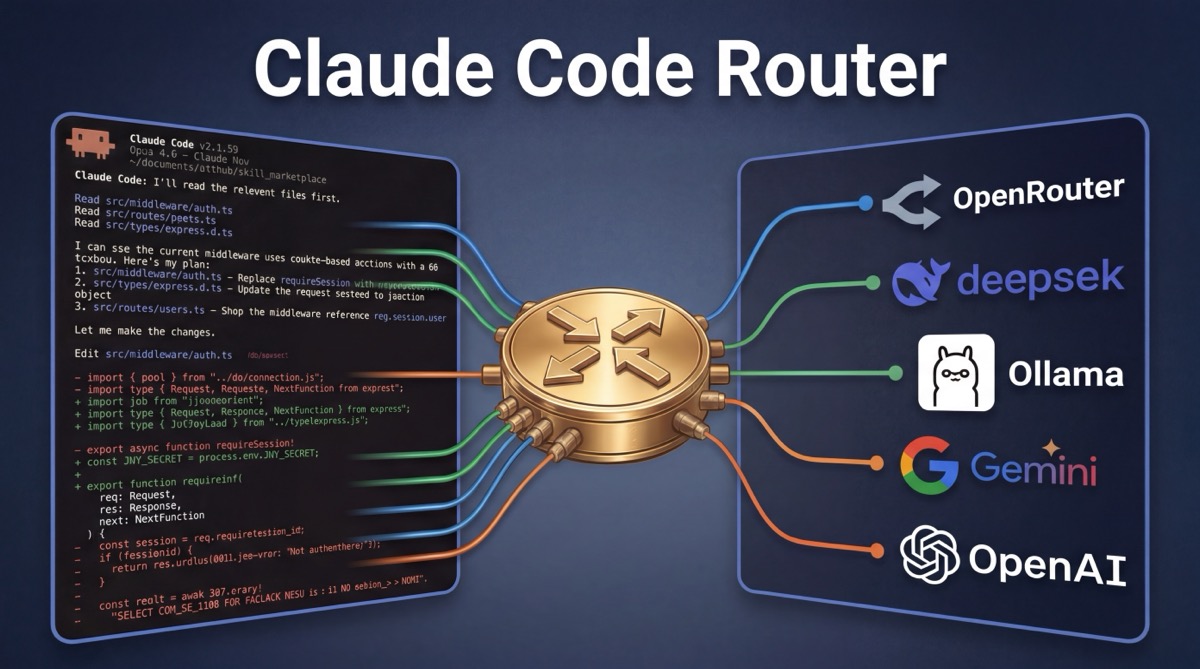
- Claude Code Router is a community proxy that lets you use Claude Code with any model: OpenRouter, DeepSeek, Ollama (local), Gemini, and more.
- Install:
npm install -g @musistudio/claude-code-routerthenccr code - Built-in alternative: Claude Code's
opusplanalias routes between Opus (planning) and Sonnet (execution), no extra tools needed.
The Claude Code Router is an open-source proxy tool that solves a specific limitation: Claude Code only supports Anthropic models natively. If you want to use Claude Code's interface with DeepSeek, GPT-4, Gemini, local Ollama models, or any of 200+ models available through OpenRouter, you need a router. The community claude-code-router project by @musistudio (28k+ GitHub stars, MIT license) does exactly this. It intercepts Claude Code's API requests and forwards them to whatever provider you configure.
This guide covers how to set up the community router step by step, which providers and models work best, how to troubleshoot common issues, and how Claude Code's built-in opusplan routing compares.
Claude Code with OpenRouter: Quick Answer
To use Claude Code with OpenRouter, install the community router (npm install -g @musistudio/claude-code-router), add your OpenRouter API key to ~/.claude-code-router/config.json, then run ccr code. The router proxies Claude Code through OpenRouter, giving you 200+ models behind a single key. Full setup, provider config, troubleshooting, and the built-in opusplan alternative are covered below.
What Is Claude Code Router?
Claude Code Router is a local proxy server that sits between Claude Code and the AI model provider. Instead of sending requests directly to Anthropic's API, Claude Code sends them to the router running on your machine (default port 3456). The router transforms the request format and forwards it to whichever provider you've configured: OpenRouter, DeepSeek, Ollama, Gemini, or others.
How it works under the hood:
- The router starts a local Express.js server on port 3456
- It sets
ANTHROPIC_BASE_URLto point at the local server - Claude Code sends API requests to the router instead of Anthropic
- The router transforms the request format and forwards it to your configured provider
- Responses stream back through the router to Claude Code
The result: you get Claude Code's interface, agentic capabilities, and workflow — but with whatever model you choose.
How to Set Up Claude Code Router
Step 1: Install
npm install -g @musistudio/claude-code-routerThis installs the ccr command globally. You need Claude Code installed first (npm install -g @anthropic-ai/claude-code).
Step 2: Configure
Create ~/.claude-code-router/config.json with your providers and routing rules:
{
  "Providers": [
    {
      "name": "openrouter",
      "api_base_url": "https://openrouter.ai/api/v1/chat/completions",
      "api_key": "$OPENROUTER_API_KEY",
      "models": ["anthropic/claude-sonnet-4", "google/gemini-2.5-pro"],
      "transformer": { "use": ["openrouter"] }
    },
    {
      "name": "deepseek",
      "api_base_url": "https://api.deepseek.com/chat/completions",
      "api_key": "$DEEPSEEK_API_KEY",
      "models": ["deepseek-chat", "deepseek-reasoner"],
      "transformer": { "use": ["deepseek"] }
    },
    {
      "name": "ollama",
      "api_base_url": "http://localhost:11434/v1/chat/completions",
      "api_key": "ollama",
      "models": ["qwen2.5-coder:latest"]
    }
  ],
  "Router": {
    "default": "deepseek,deepseek-chat",
    "think": "openrouter,anthropic/claude-sonnet-4",
    "background": "ollama,qwen2.5-coder:latest"
  }
}
API keys can reference environment variables with $VAR_NAME syntax for secure key management.
Step 3: Run
The simplest way: start the router and launch Claude Code in one command:
ccr codeOr manage the service separately:
# Start the router in the background
ccr start

# Export environment variables for Claude Code
eval "$(ccr activate)"

# Run Claude Code normally — requests route through the proxy
claude
Supported Providers and Models
| Provider | Notable Models | Best For |
|---|---|---|
| OpenRouter | Claude, GPT-4, Gemini, Llama, Mistral, 200+ more | Maximum model variety, single API key |
| DeepSeek | deepseek-chat, deepseek-reasoner | Low-cost reasoning, strong code generation |
| Google Gemini | gemini-2.5-flash, gemini-2.5-pro | Large context windows, multimodal tasks |
| Ollama (local) | Qwen 2.5 Coder, Llama, Mistral, any GGUF model | Privacy, offline use, zero API cost |
| Groq | Llama, Mistral (fast inference) | Speed-critical tasks, low latency |
| Anthropic | Claude Opus, Sonnet, Haiku | Native passthrough (mix with other providers) |
Recommendation for most developers: Start with OpenRouter as your single provider; it gives you access to every major model through one API key. Once you know which models you use most, add direct provider accounts (DeepSeek, Gemini) for lower per-token costs. Add Ollama if you want local/offline capability.
Context-Aware Routing Configuration
The Router config supports task-type routing. Each rule maps to a "provider,model" string, letting you automatically use the right model for each type of work:
| Rule | When It Applies | Recommended Model Type |
|---|---|---|
default |
All general requests | Good all-rounder (DeepSeek Chat, Claude Sonnet) |
think |
Extended thinking / complex reasoning | Strongest reasoning model (Claude Opus, DeepSeek Reasoner) |
background |
Background and lightweight tasks | Cheap/fast model (local Ollama, Haiku) |
longContext |
When token count exceeds longContextThreshold |
Large context model (Gemini 2.5 Pro) |
webSearch |
Web search tasks | Model with search capabilities |
This lets you use a cheap local model for background tasks, a reasoning-focused model for complex thinking, and a large-context model when your session grows, all automatically.
Troubleshooting Common Issues
Port 3456 already in use
Another process is using the router's default port. Either stop the conflicting process (lsof -i :3456 to find it) or configure a different port in your config.json with "port": 3457.
ANTHROPIC_BASE_URL override not working
If Claude Code still hits Anthropic's API after starting the router, check that the environment variable is set in the same shell session: run echo $ANTHROPIC_BASE_URL; it should show http://localhost:3456. Using ccr code (instead of manual ccr start + claude) handles this automatically.
Model doesn't support extended thinking
Not all models support Claude Code's extended thinking feature. If you see errors when the agent tries to "think," route think tasks to a model that supports it (Claude Sonnet/Opus via OpenRouter, or DeepSeek Reasoner) and use simpler models for default and background tasks only.
Tool use / function calling errors
Claude Code relies heavily on tool use (function calling). Some models have limited or no tool-use support. Stick to models known to handle tools well: Claude (any version), GPT-4+, Gemini Pro, DeepSeek Chat. Smaller local models via Ollama may struggle with complex tool-use patterns.
Ollama connection refused
Make sure Ollama is running (ollama serve) and the model is pulled (ollama pull qwen2.5-coder). The api_base_url must include the full path: http://localhost:11434/v1/chat/completions.
Built-In Alternative: opusplan
If you don't need non-Anthropic models, Claude Code has built-in model routing via the opusplan alias. It uses Opus 4.6 for planning and reasoning, then switches to Sonnet 4.6 for code execution, saving money on implementation tokens while keeping the best reasoning for architectural decisions.
Enable it with any of these methods (highest to lowest priority):
- Mid-session:
/model opusplan - At startup:
claude --model opusplan - Environment variable:
export ANTHROPIC_MODEL=opusplan - Settings file: Add
"model": "opusplan"to~/.claude/settings.json
Other available model aliases: sonnet, opus, haiku, sonnet[1m] (1M token context window). Aliases always point to the latest model version.
How to Configure Model Aliases
Beyond opusplan, you can pin what each alias resolves to using environment variables:
ANTHROPIC_DEFAULT_OPUS_MODEL: whatopusandopusplan(plan mode) resolve toANTHROPIC_DEFAULT_SONNET_MODEL: whatsonnetandopusplan(execution mode) resolve toANTHROPIC_DEFAULT_HAIKU_MODEL: whathaikuand background tasks resolve to
To pin a specific model version instead of using the alias, pass the full model ID: claude --model claude-opus-4-6.
Community Router vs opusplan: Which to Use?
| Criteria | opusplan (built-in) | claude-code-router (community) |
|---|---|---|
| Setup | Zero, one flag or command | Install proxy + configure providers |
| Models available | Anthropic only (Opus, Sonnet, Haiku) | Hundreds (OpenRouter, DeepSeek, Ollama, Gemini, etc.) |
| Routing logic | Plan mode = Opus, execution = Sonnet | Context-aware: default, think, background, longContext |
| Reliability | Official, supported by Anthropic | Community-maintained, MIT license |
| Local models | No | Yes (via Ollama) |
| Cost control | Saves on execution tokens | Full control: use free/cheap models for any task type |
| Tool compatibility | Full Claude Code feature support | Depends on model; some don't support all features |
Use opusplan if you want the simplest path to cost-optimized Claude Code usage with zero setup and full feature compatibility.
Use the community router if you want to use non-Anthropic models, run local models via Ollama, or need fine-grained control over which model handles which type of task.
Cost Tips for Claude Code
opusplanfor best quality-to-cost ratio: Opus-quality reasoning on architecture decisions, Sonnet efficiency on implementation. The recommended starting point for most developers.- Haiku for quick tasks: use
claude --model haikufor simple questions, quick edits, and boilerplate generation. Significantly cheaper than both Opus and Sonnet. - Community router + cheap models for boilerplate: route background tasks to DeepSeek or local Ollama models. Save Anthropic credits for work that needs Claude's reasoning.
- Monitor your usage: use the
/costcommand in Claude Code to see token consumption and spending for your current session. - Plan before executing: enter plan mode (
Shift+Tabtwice) to think through your approach before the model starts generating code. Better plans mean fewer wasted iterations.
For extending Claude Code's capabilities beyond model routing, browse available skills on PolySkill, portable packages that add coding standards, workflow automations, and specialized prompts to your sessions.
Related: How to Add Skills to Claude Code (2026) | Codex vs Claude Code: Full Comparison (2026) | Claude Code vs Cursor: Full Comparison (2026) | Claude Code vs Gemini CLI (2026) | How to Install Claude Code (2026) | Claude Code Pricing (2026) | Claude Code Permissions (2026) | Claude Code Memory (2026)
Common Questions About Claude Code Routing
What is Claude Code Router?
Claude Code Router is an open-source proxy tool (github.com/musistudio/claude-code-router) that lets you route Claude Code requests to alternative AI providers: OpenRouter, DeepSeek, Ollama (local models), Google Gemini, and more. Claude Code also has built-in model routing via the opusplan alias, which switches between Opus (planning) and Sonnet (execution).
How do I switch models in Claude Code?
Four ways, in priority order: (1) mid-session with /model <alias>, (2) at startup with claude --model <alias>, (3) via the ANTHROPIC_MODEL environment variable, (4) in ~/.claude/settings.json. Available aliases include sonnet, opus, haiku, and opusplan.
Can I use Claude Code with OpenRouter?
Yes, via the community claude-code-router project. Install it with npm install -g @musistudio/claude-code-router, configure your OpenRouter API key and models in ~/.claude-code-router/config.json, then run ccr code. The router proxies requests from Claude Code to OpenRouter, giving you access to hundreds of models.
Is opusplan free?
No. opusplan uses your Anthropic API credits or Claude subscription. It routes to Opus (more expensive) during plan mode and Sonnet (cheaper) during execution. The cost savings come from using the cheaper model for the bulk of code generation work while reserving the more capable model for planning.
Does Claude Code Router support local models?
Yes. The community claude-code-router supports Ollama, which runs models locally on your machine. Configure Ollama as a provider in config.json with api_base_url pointing to http://localhost:11434/v1/chat/completions, and you can route Claude Code requests to any local model like Qwen 2.5 Coder or Llama.